A China SIM card from a local operator is worth considering if you need a Chinese phone number. For mobile data alone, compare a travel eSIM with your home carrier’s roaming offer before buying. Foreign visitors can apply for a local SIM in person with a passport at an operator’s own service hall.
I’d decide whether I need the number first. A large data allowance won’t solve a missing SMS service, and an attractive eSIM deal won’t help a phone that can’t use it. Here are the checks I’d make before paying for either.
Choose the phone service before the SIM format
A physical SIM is a removable card; an eSIM is a digital SIM installed on a compatible device. Neither label, by itself, tells you whether the plan includes a Chinese number, calls or SMS. Read the service description, too.
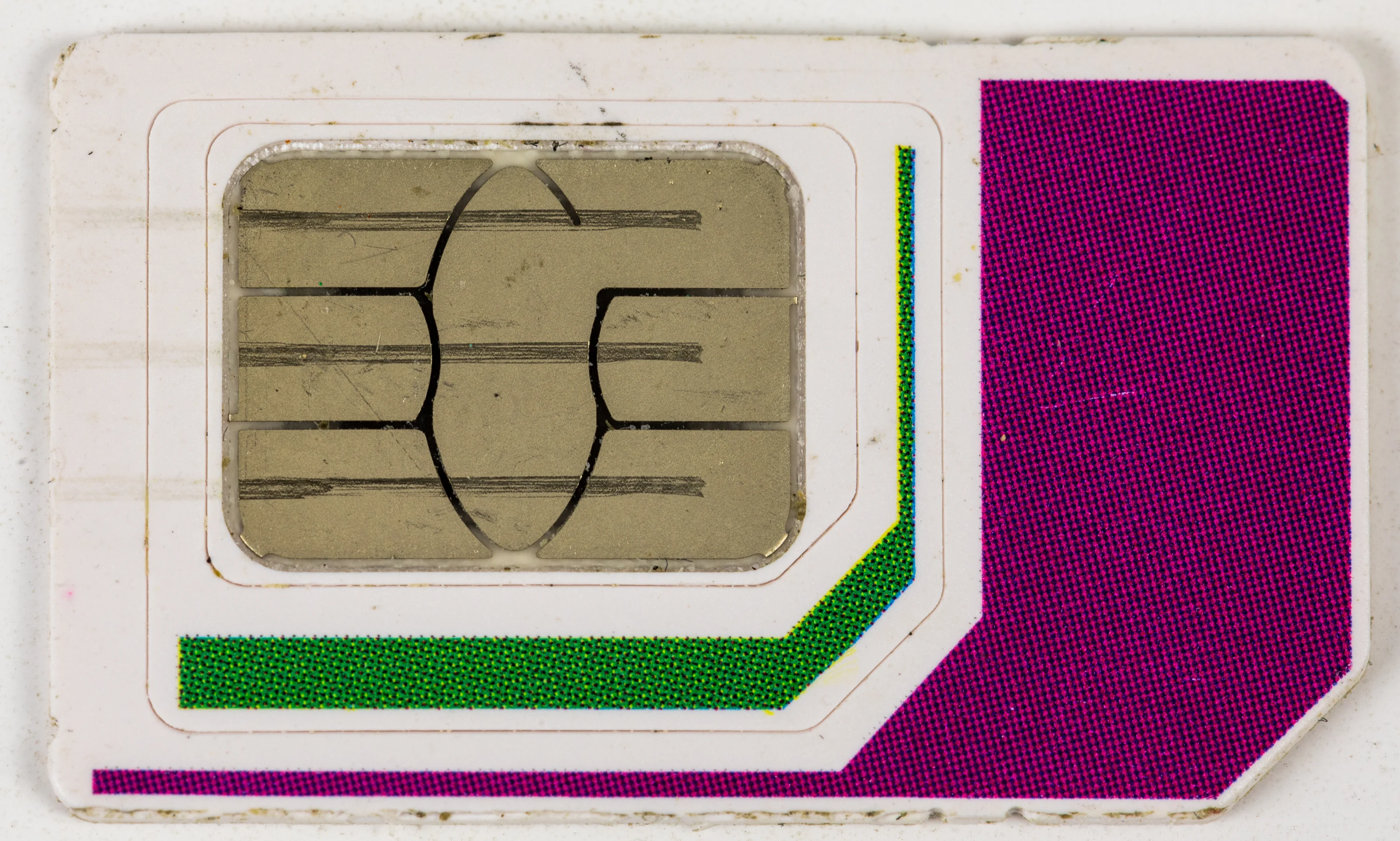
Photo credits
This German SIM is a hardware illustration, not a Chinese operator's plan.
Photo: © Raimond Spekking / Wikimedia Commons / CC BY-SA 4.0. Resized from 4929 × 2960 and WebP compressed; derivative under CC BY-SA 4.0.
| Your main need | Option to investigate | Question to settle before paying |
|---|---|---|
| Mobile data for maps, messages and bookings | Travel data eSIM or home-carrier roaming | Does the exact plan cover mainland China and support your phone? |
| A local number for calls or a particular service | A local operator’s SIM plan | Is a Chinese number included, and can it receive the SMS you need? |
| Keeping your home number while adding travel data | A supported dual-SIM setup | Can your phone keep both lines active, and what will the home carrier charge? |
| A phone without eSIM support | A physical SIM or existing-line roaming | Is the phone unlocked and compatible with the proposed network? |
For payment apps, don’t assume a Chinese number is always required. The Ministry of Commerce’s guide says foreign visitors can register WeChat, Alipay or UnionPay using a foreign or Chinese mobile number, then follow the app’s instructions. A service accepting your number and a card successfully linking are separate checks. For the payment side of that preparation, see registering Alipay and linking an overseas card.
The China travel tips overview brings connectivity together with other practical preparations. I’d put these checks beside payment setup, before getting absorbed in which package offers more data.
Check the exact phone, especially for eSIM
Once you’ve chosen the service, check whether the phone can actually use it. Being unlocked and supporting eSIM are different things: a phone can support eSIM and still be locked to its home carrier.
On an iPhone, open Settings → General → About and look beside Carrier Lock. Apple says “No SIM restrictions” means the phone is unlocked; only the current carrier can unlock it. For another phone, use the manufacturer’s instructions and ask the home carrier about its lock status.
Keep the exact model number and the country where the phone was bought handy when checking compatibility. Apple’s current guidance distinguishes a prepaid travel data eSIM from a mainland Chinese carrier’s eSIM; it says a mainland-carrier eSIM cannot be used on a device purchased outside mainland China. Check the exact model.
The Tianjin Communications Administration’s April 2026 guide also tells applicants to use a phone supporting 5G or VoLTE. VoLTE means voice calls carried over an LTE network. If making local calls matters, ask the operator to check the actual handset, rather than judging compatibility from a data signal alone.
I’d rather resolve a model-number question at home than discover it with an opened SIM packet at an arrivals counter. Apple’s travel eSIM guidance explains the difference between roaming, travel data plans and local-carrier service.
Buy a local SIM at an operator’s own service hall
For a local connection, an operator’s own service hall gives you a place to check both the handset and the plan. China Mobile, China Unicom and China Telecom are operator names you’ll encounter; this guide doesn’t rank their coverage or claim to have tested them.
Bring your passport and go yourself. The Tianjin Communications Administration says an applicant must attend in person with valid identity documents. Its official SIM application guide also explains how to find an operator’s own service hall through its hotline or app.
Before agreeing to a package, I’d show the staff my phone and travel dates, then ask for the total charge and the services included. If the offer is described as a tourist plan, ask what happens at the end of the trip: does it expire, renew, or need to be canceled?
My practical check at the counter would be to load a webpage using the new line’s mobile data, with Wi-Fi off. If calls or SMS are part of the reason for buying, I’d ask staff to help check those too. That’s a useful handover test, rather than a promise that every app’s verification system will accept the number.
Compare the terms behind the data allowance
After compatibility, the package terms matter more than a headline price. I wouldn’t choose a plan from an old price table: the communications authority directs applicants to the operator’s published rates, and offers can differ by place and product.
These are the questions I’d keep on a small shopping checklist:
- Validity: What starts the allowance period—purchase, installation, activation or the first connection?
- Data limits: Is the allowance for the whole trip or each day? What happens when it’s used up?
- Calls and SMS: Are they included, and what number comes with the plan?
- Sharing data: Does the plan permit a personal hotspot if you want to connect a laptop?
- Coverage: Does it cover mainland China, and any separate Hong Kong or Macao stop on your route?
- Renewal and support: How do top-ups, cancellation and help requests work for a visitor?
Those questions are a way to compare written offers, not claims that every provider answers them the same way. I’d save the terms and support contact alongside the receipt. If a particular app is essential, ask about that exact service before buying rather than treating “China data” as a guarantee of access.
Keep the home line’s charges visible
A second line can be useful when you still need your home number. On supported phones, a travel line can provide data while the home line remains active. Apple warns that keeping both lines on can still incur charges from the home carrier.
Check the home carrier’s roaming terms before departure, including any charge for calls, messages or a daily travel pass. Then follow the phone maker’s instructions for selecting the data line. Apple lists the iPhone path as Settings → Cellular → Cellular Data, followed by the chosen line.
I’d label the lines clearly so I can see which one is supplying data. Before leaving reliable Wi-Fi, I would also save the hotel address, booking references and the travel provider’s support details. Keeping those items available gives you something useful to work with while sorting out a connection.
If rail travel comes next, the China train ticket booking guide covers the separate booking task. Getting online is one preparation; checking the ticket and passport details still deserves its own attention.
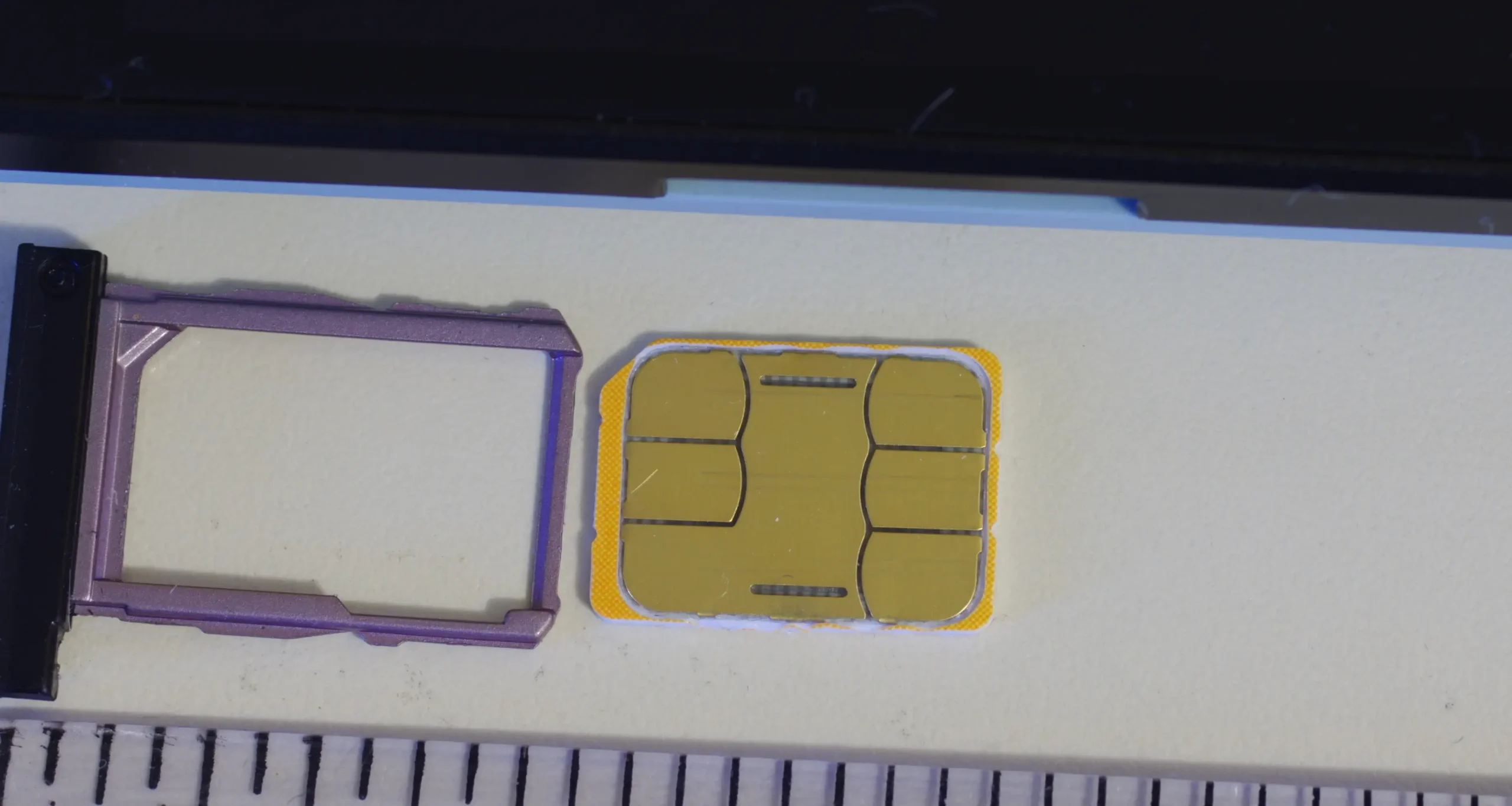
Photo credits
Photo: BwDraco / Wikimedia Commons / CC BY-SA 3.0. Cropped and compressed to WebP. Derivative under CC BY-SA 3.0.
