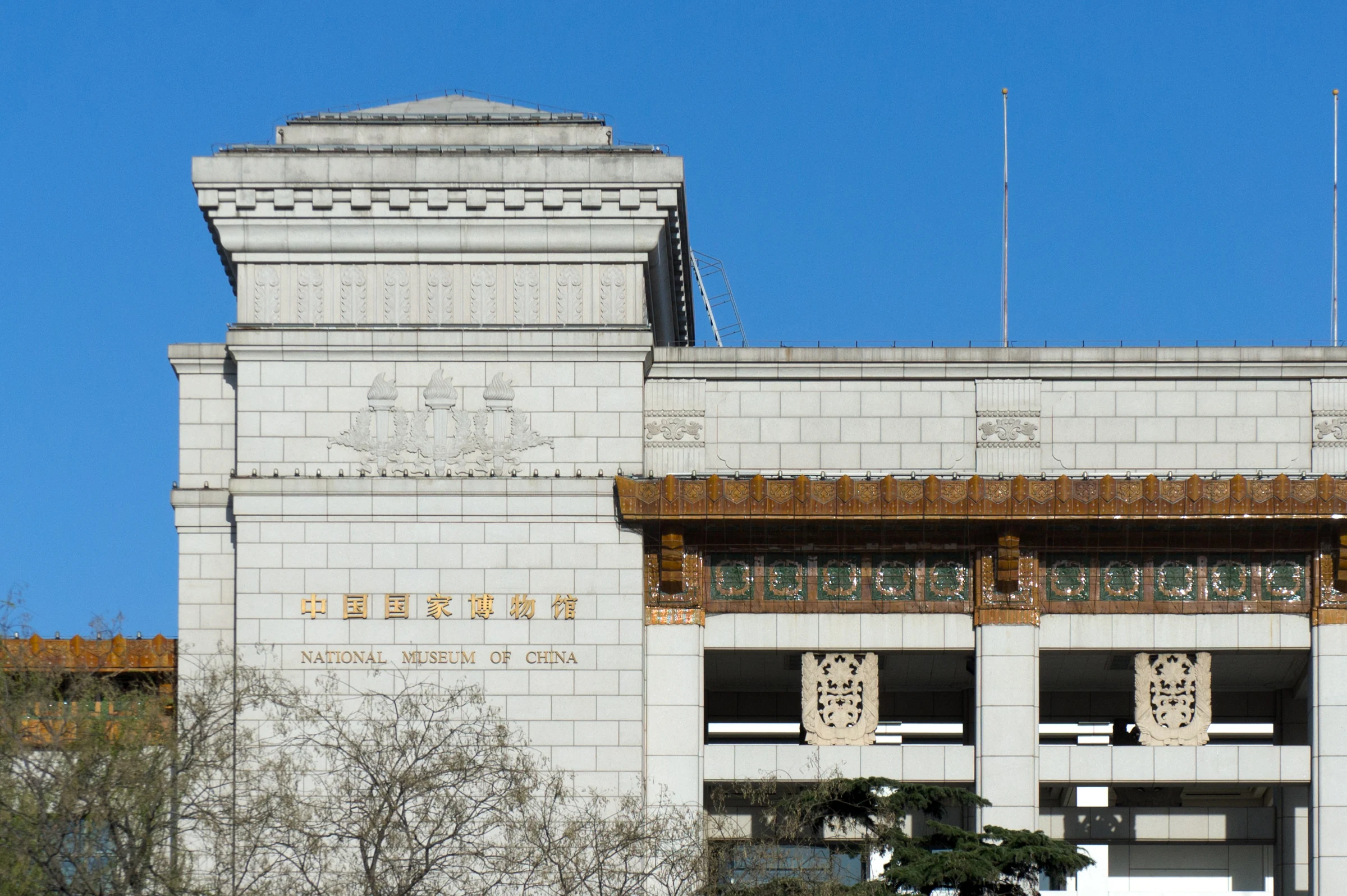
Foreign visitors can reserve a National Museum of China visit through the museum’s official English booking page. The museum directs booked visitors to its North Gate entrance at their reserved time. Arrange the reservation before planning the journey: having a passport with you isn’t a substitute for a confirmed booking.
Use the National Museum’s English reservation page
Start with the official English booking page.
In its reply to a foreign visitor’s passport-booking question, the museum points directly to this English service. The reply dates from October 28, 2026, which makes it more useful for this task than old instructions copied from earlier booking systems.
The museum also lists its website, WeChat mini program and WeChat service account as official booking channels. For a foreign visitor looking for an English starting point, the page above is the museum’s own answer.
Keep the National Museum booking separate from a Palace Museum booking; the Palace Museum is the Forbidden City and uses a different booking service.
Have your passport beside you. Follow the identity instructions displayed in the live system, then read the visitor details and visit date before submitting.
I can’t verify the current passport fields, account setup or button sequence on the English page, so a fixed click-by-click walkthrough would be misleading.
Plan around the seven-day window and 17:00 release
The museum’s September 2026 visitor guide says official bookings are free, can be made up to seven days ahead, and are released daily at 17:00 Beijing time. Check the live system for spaces.
If the intended date isn’t available yet, check when it falls within that window. If the date is available but has no spaces, keep another Beijing activity in reserve.
I’d leave the surrounding day flexible until the booking succeeds, especially when the museum is a main reason for the trip and a missed date would mean changing the rest of the day.
Paying a third party isn’t required to use the museum’s free official booking channel.
Look for a successful booking. Keep that record where you can retrieve it, and read the entry period shown on the confirmation.
Use that confirmed period when fitting the museum into your Beijing itinerary.
Go to the North Gate with your booked document
For the visit itself, the museum’s current guide directs booked visitors to the North Gate reservation entrance.
The museum’s published booking notice requires the original document used for the booking and the successful booking information. For a passport booking, carry that original passport.
The reserved period matters: the notice says visitors who miss their period or whose document details don’t match cannot enter.
Check the date and period again before leaving, then allow time to walk to the correct queue. A photograph of the building helps with recognition, but it doesn’t tell you which side has the booked-visitor entrance.
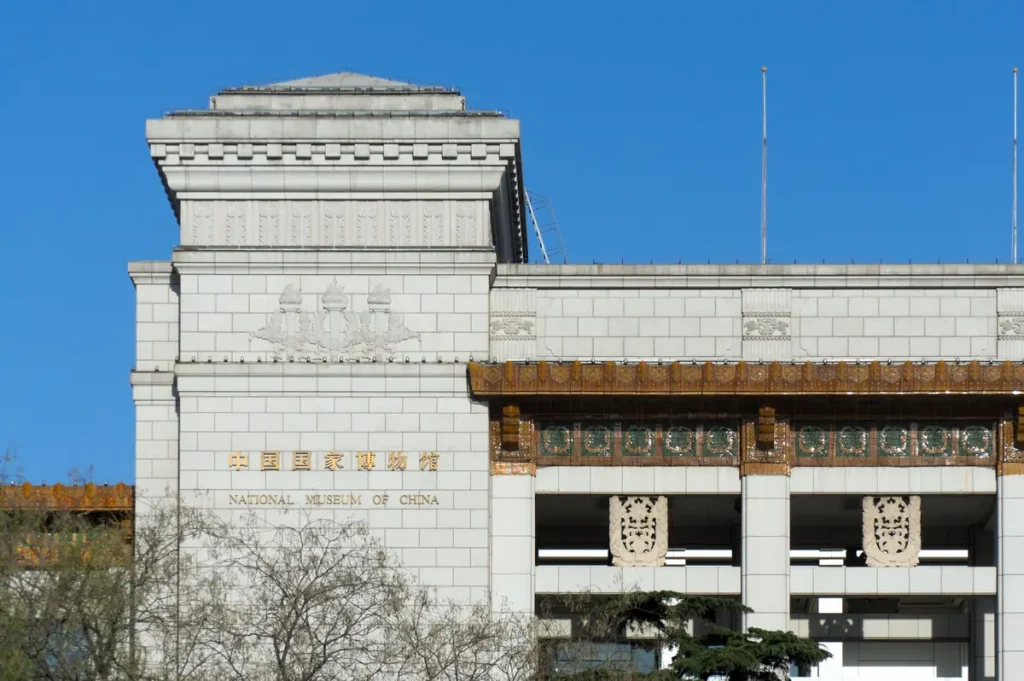
At the museum, follow the signs for the North Gate booked-visitor entrance and have the passport and booking information ready for the check.
If an instruction in your actual confirmation is unclear, ask museum staff to clarify it before joining a queue based on the building’s main facade.
If the English booking page won’t work
Return to the official English link and try it in a browser that can load the live booking service. The page relies on JavaScript; an empty text preview doesn’t reveal which passport options the working form currently provides.
Don’t change passport details merely to fit instructions from an older travel article. If the form still prevents a booking, use the museum’s official service information or visitor enquiry page to ask about the obstacle, giving the page or error involved so staff can see what went wrong.
Keep passport numbers out of public messages.
Until you have a successful booking, treat the museum visit as unconfirmed. The museum’s answer to the foreign visitor directs them to book online; it doesn’t offer a passport-only walk-in alternative.
Photo credits
Photo: Windmemories / Wikimedia Commons / CC BY-SA 4.0. Cropped to 1800×947 from original, then encoded as WebP; no text added and original preserved unchanged. Derivative under CC BY-SA 4.0.

Explore the Beijing city guide →